.png)
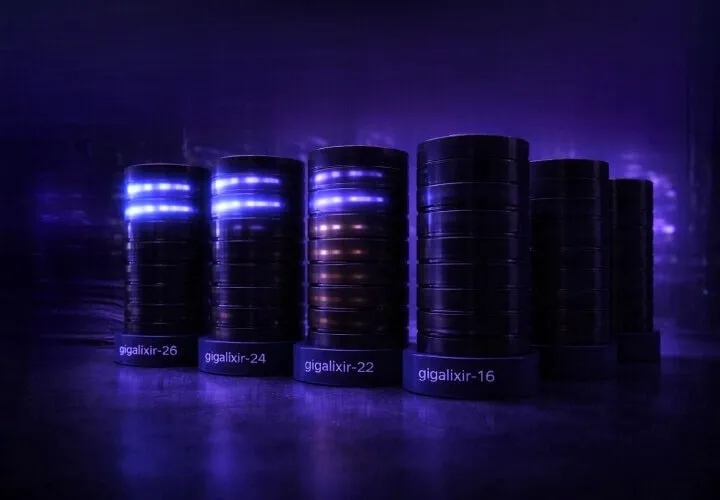
Gigalixir is introducing a formal lifecycle for application stacks.
Stacks define the underlying operating system, runtime libraries, and system dependencies your application runs on. Over time, these components stop receiving upstream security updates and must be retired.
This article explains how the lifecycle works and what actions you may need to take.
Stack Lifecycle Overview
Each stack follows a predictable lifecycle with clear milestones.
| Phase | What It Means |
|---|---|
| Available | Fully supported. New apps can be created and existing apps can deploy and scale. |
| Sunsetting | Free tier apps are shut down. No new free tier apps can be created on this stack. Standard tier apps continue running and deploying. |
| Extended Support | Standard tier only. No new apps can be created. Billed at 2× standard pricing to reflect increased maintenance cost. |
| Retired | All apps are shut down. Deploys and scaling are disabled. |
Support Timeline
Each stack receives the following support window:
- 4 years of full support
- 6 months of additional full support for Standard tier during Sunsetting
- 18 months of Extended Support for Standard tier at increased cost
Stack Timeline
| Stack | Available | Sunsetting | Extended Support | Retired |
|---|---|---|---|---|
gigalixir-26 |
June 2026 | June 2030 | December 2030 | June 2032 |
gigalixir-24 |
May 2024 | June 2028 | December 2028 | June 2030 |
gigalixir-22 |
May 2022 | June 2026 | March 2027 | June 2028 |
gigalixir-20 |
2020 | June 2026 | December 2026 | June 2028 |
gigalixir-18 |
2018 | June 2026 | September 2026 | June 2027 |
gigalixir-16 |
2016 | June 2026 | June 2026 | December 2026 |
gigalixir-14 |
2014 | June 2026 | June 2026 | December 2026 |
If your app is running on a stack that is sunsetting or entering extended support, now is the right time to plan an upgrade.
How to Check Your App's Stack
You can view your app's current stack using the Gigalixir CLI:
gigalixir appsOr inspect a specific app:
gigalixir apps:info -a APPNAMEHow to Upgrade Your Stack
When creating a new app, you can specify the stack:
gigalixir create --stack gigalixir-24To change the stack for an existing app:
gigalixir stack:set --stack gigalixir-24After changing the stack, you must rebuild and redeploy your application.
We strongly recommend testing your application on the new stack in a staging environment before upgrading production.
Planning Ahead
Apps on retired stacks will be shut down and deploys disabled. To avoid disruption, we recommend upgrading before your current stack enters Extended Support or retirement.
Questions
If you have any questions or need help planning your stack upgrade, please contact Gigalixir Support.